
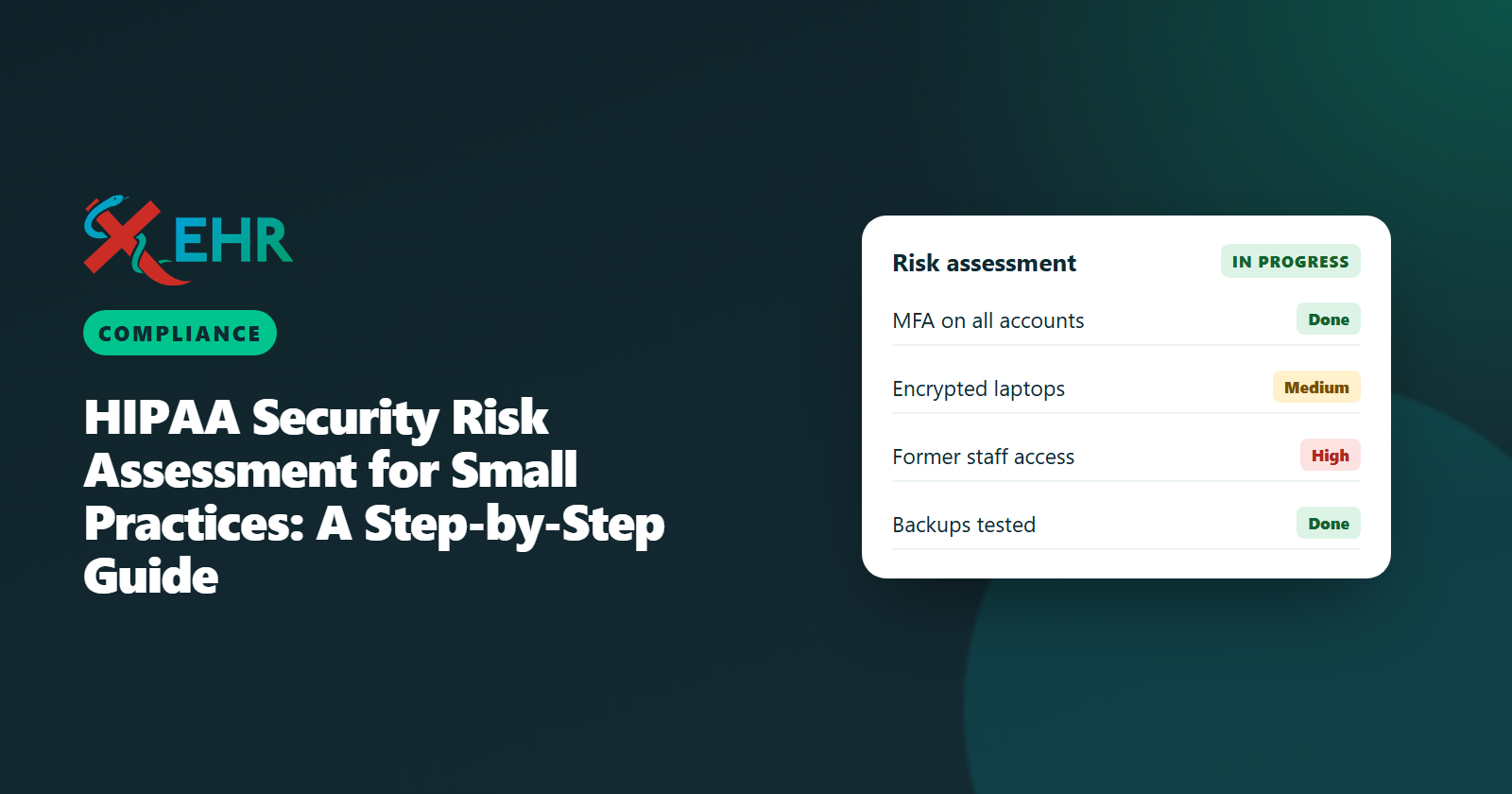
- A security risk analysis is required for every practice that handles electronic patient data, not optional paperwork.
- HHS offers a free SRA Tool built for small practices; your answers stay on your computer.
- The output is a list of risks with a plan to reduce each one, and the plan is what regulators look for.
- Repeat it at least yearly and after major changes such as a new EHR or office.
If your practice stores, sends or views patient information electronically, HIPAA requires you to analyze the risks to that information and manage them. Many small practices assume their EHR vendor takes care of this. It does not. The good news: with the free HHS tool, a small practice can do a solid assessment in a few working sessions.
What a security risk analysis is
A security risk analysis (SRA) answers four questions about the electronic protected health information (ePHI) your practice handles:
- Where is it? EHR, billing system, email, laptops, phones, scanners, backups.
- What could go wrong? Theft, ransomware, a lost laptop, a former employee who still has access, a fire.
- How likely and how bad? Each threat gets a likelihood and an impact.
- What will you do about it? Safeguards you have, safeguards you will add, and when.
Using the free HHS SRA Tool
The Security Risk Assessment Tool from HHS (ONC and the Office for Civil Rights) is designed for small and mid-sized practices. It is available as a Windows desktop application and as an Excel workbook, and all answers stay on your own device; nothing is sent to HHS. It walks you through questions on administrative, physical and technical safeguards and produces a report of risks.
How to run it well
- Pick one owner. Usually the practice manager or compliance lead, with the physician owner involved in decisions.
- Gather your inventory first. Every computer, phone, tablet and system that touches patient data, and every vendor with access.
- Answer honestly. “No” answers are not failures; they are the risks you will plan to fix.
- Keep evidence. Policies, BAAs, training records and screenshots of settings support your answers.
- Finish with a dated plan. Each risk gets an action, an owner and a target date.
The risks small practices most often find
| Risk | Typical fix |
|---|---|
| Passwords only, no second factor | Turn on multi-factor sign-in for the EHR, email and remote access |
| Former staff still have access | An offboarding checklist; review user lists monthly |
| Unencrypted laptops and phones | Device encryption and screen locks; remote wipe for phones |
| No tested backups | Automatic backups and a restore test at least yearly |
| Missing BAAs | A signed BAA with every vendor that handles patient data |
| No security training | Short yearly training on phishing and safe handling of PHI |
Rating a risk: a worked example
The rating step is where many practices stall, so here is one risk taken all the way through.
| Step | Example: a laptop used for billing at home |
|---|---|
| Threat | The laptop is lost or stolen |
| Data at risk | Downloaded remittance files and a saved spreadsheet of patient balances |
| Likelihood | Medium: it leaves the office every day |
| Impact | High: a reportable breach affecting many patients |
| Current safeguards | Password only; disk not encrypted |
| Plan | Encrypt the disk, require a second factor, stop downloading patient files, delete the spreadsheet |
| Owner and date | Practice manager, by the end of the month |
Notice that the best fix often removes the risk instead of protecting it: if patient files never live on the laptop, losing it is no longer a breach.
Policies to write alongside the analysis
The risk analysis tells you what to fix; short written policies show how your practice works day to day. A small practice usually needs:
- Access control: who gets which access, how it is approved, and how it is removed when someone leaves.
- Devices and media: encryption, screen locks, what may be stored where, and how old devices are wiped.
- Passwords and sign-in: multi-factor sign-in, no shared accounts.
- Incident response: what staff do when something looks wrong, and who decides whether it is a breach.
- Contingency plan: backups, how to restore, and how the practice keeps seeing patients during an outage.
- Training: what is covered, how often, and how it is recorded.
Keep them short enough that staff will actually read them, and review them when you repeat the analysis.
The first day of a security incident
When something goes wrong, the first hours decide how bad it becomes:
- Contain it. Disconnect the affected computer from the network, disable the compromised account, change passwords.
- Write down what happened and when, while it is fresh: who noticed, what they saw, what was done.
- Call for help early: your IT support, your EHR vendor if its system is involved, and your cyber insurer if you have one.
- Assess whether it is a breach of unsecured patient information. The HIPAA Breach Notification Rule sets who must be notified and by when, so make this assessment promptly and document the reasoning either way.
Keeping it current
A risk analysis is a living document. Repeat it at least yearly, and also when you change EHR or billing systems, open or move an office, add remote work, hire a new vendor that touches patient data, or after any security incident.
What changes if the Security Rule update becomes final
HHS proposed an update to the Security Rule in January 2025 that would, among other things, require multi-factor authentication, a written technology asset inventory and network map, and make most safeguards mandatory rather than “addressable”. As of October 2026 it is not final; reporting points to final action around July 2027. A good risk analysis now covers most of what the proposal asks for, so the work is not wasted. See our article on where the Security Rule update stands.
Where your EHR fits
Your EHR vendor is responsible for its own safeguards and must sign a Business Associate Agreement with you. Your practice is still responsible for its own devices, accounts, training and risk analysis. When you evaluate a vendor, ask for:
- A signed BAA on every plan.
- Multi-factor sign-in for every user.
- An audit trail of every access to patient records that your administrator can review.
- Role-based access, so staff see only what their job requires.
- Encryption of data when stored and in transit, and daily backups.
General information, not legal advice. Consult your compliance advisor for your practice’s specific obligations.
RelatedSecurity and HIPAA at XEHR