
- HHS proposed a major update to the HIPAA Security Rule on January 6, 2025, including mandatory multi-factor authentication.
- As of October 2026 the rule is not final; reporting points to final action around July 2027.
- The current Security Rule, including its "addressable" safeguards, is the one being enforced today.
- Practices should not wait: MFA, an up-to-date risk analysis and an asset inventory are worth doing now.
"Is MFA required by HIPAA?" is one of the most common questions practices ask. The honest answer in 2026 is: not by name yet, but it is coming, and you should already be using it.
What the current rule says
The HIPAA Security Rule requires covered entities and business associates to protect electronic protected health information (ePHI) with administrative, physical and technical safeguards. Among the technical safeguards are access controls and person or entity authentication: you must verify that a person seeking access is who they claim to be.
The rule does not say how. Many safeguards are marked “addressable”, meaning an organization decides, based on its own risk analysis, whether a measure is reasonable and appropriate, and documents the decision. That flexibility is why MFA is not named anywhere in today’s rule.
What the proposal would change
HHS published a proposed rule on January 6, 2025. The comment period closed in March 2025, and HHS received thousands of comments. Among the most discussed proposals:
Today
- Authentication required; method not specified
- Many safeguards "addressable"
- Risk analysis required
As proposed
- MFA required for access to systems with ePHI
- Most safeguards required, few exceptions
- Written asset inventory and network map
- Encryption of ePHI at rest and in transit
Where it stands now
The proposal has not been finalized. Industry reporting in mid-2026 notes that an earlier target of May 2026 passed without a final rule, and that the federal regulatory agenda moved final action to around July 2027. A coalition of hospitals and provider associations has asked HHS to withdraw or scale back the proposal, citing cost.
Until a final rule is published, the current rule applies and is being enforced. A final rule would also give organizations time to comply after publication.
What counts as a second factor
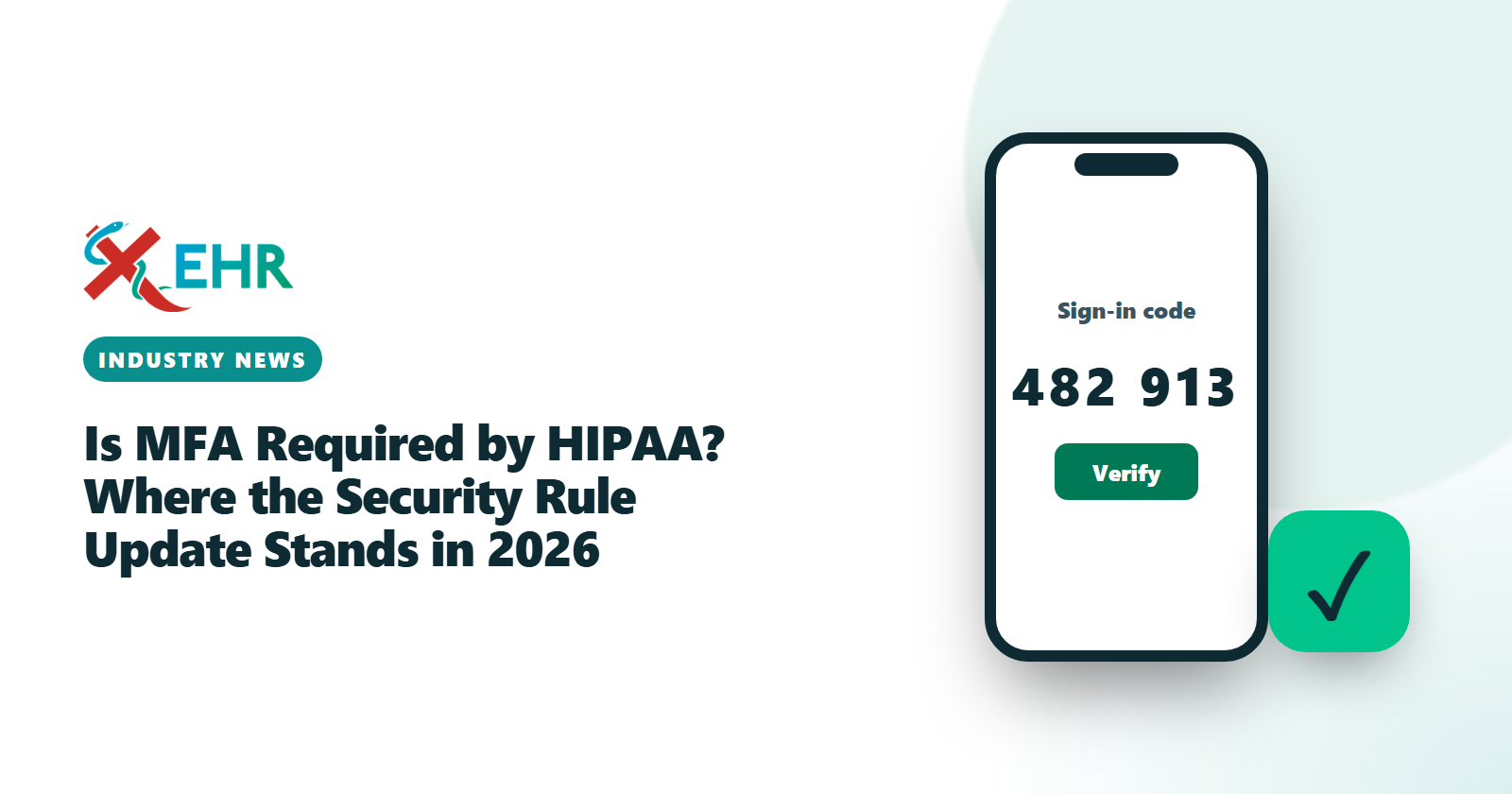
Multi-factor authentication means proving who you are with two different kinds of evidence: something you know (a password), something you have (a phone or a security key) or something you are (a fingerprint or face). A second password is not a second factor.
| Method | How it works | Strength |
|---|---|---|
| Authenticator app code | A short code on the user’s phone that changes every 30 seconds | Strong, and the most common choice for practices |
| Security key | A small physical key the user taps | Strongest; resists fake login pages |
| Push approval | The user taps "approve" on their phone | Good, but users can be tricked into approving repeated prompts |
| Text message code | A code sent by SMS | Better than nothing; phone numbers can be hijacked |
Where MFA matters most in a practice
- The EHR and practice management system, where most patient data lives.
- Email, because a compromised mailbox is often how attackers reach everything else and how invoices and payment details are faked.
- Billing, clearinghouse and bank portals, where a stolen login can redirect payments.
- Remote access to the office network or any computer that stores patient data.
- Administrator accounts everywhere; these should always require the strongest method available.
Rolling out MFA without stopping the front desk
- Start with administrators and billing staff, then clinical users, then everyone else.
- Enroll during a quiet hour, with someone available to help, rather than at the start of a clinic session.
- Have a recovery process ready for lost phones, run by a named administrator who verifies the person’s identity before resetting their second factor.
- Use “remember this device” carefully. It reduces prompts on a practice-owned computer; it should never apply to shared or personal devices.
- Document what you did in your risk analysis, so the decision and its date are on record.
Common objections
“It slows us down.” With an authenticator app, signing in takes a few extra seconds once a session. That is small compared with the cost of a breach notification or a week without access to your records.
“Our staff share a computer.” Shared computers are exactly where individual sign-in matters most: every person signs in as themselves, so the audit trail shows who opened which record.
“We are too small to be a target.” Most attacks on small practices are automated and opportunistic; they look for reused or leaked passwords, not for a particular practice.
What practices should do now
Waiting for the final rule is the wrong strategy, for three reasons: stolen passwords remain one of the most common ways attackers get in, regulators already expect a reasonable risk analysis, and the work takes time.
- Turn on MFA everywhere ePHI lives: your EHR, email, billing systems and remote access.
- Complete or update your security risk analysis. HHS offers a free Security Risk Assessment Tool designed for small practices.
- List your systems and where patient data flows. The proposal would require this, and it makes every other safeguard easier.
- Confirm a Business Associate Agreement with every vendor that handles ePHI.